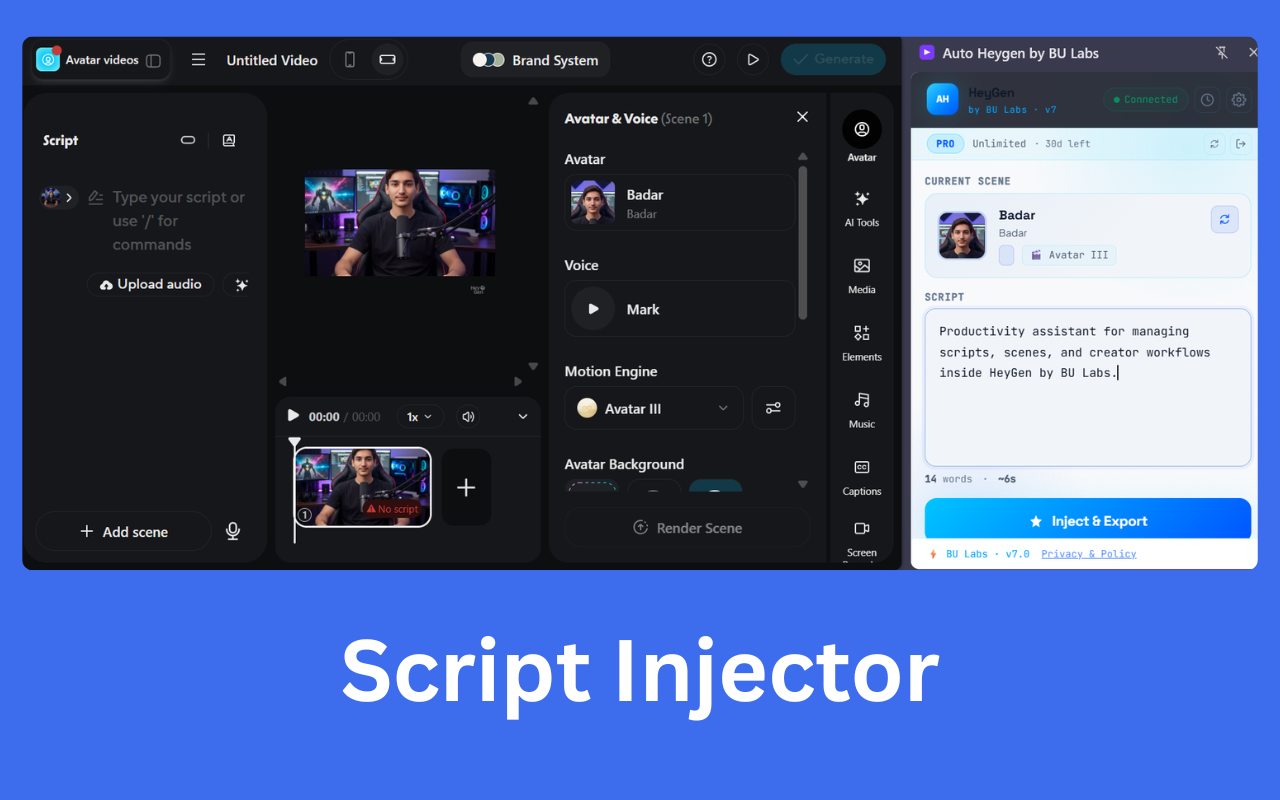
Auto Heygen by BU Labs is the Chrome Extension that automates script injection, AI video generation, and output management — all from a sleek side panel directly inside Heygen.
Loved by creators — zero credit limits, zero cost
Four seamless steps — the extension handles everything inside Heygen's interface, right from your side panel.
Open the Auto Heygen side panel on any Heygen tab. Select your Avatar, Voice, and Motion Engine — then type your script and hit Inject & Export. The extension handles the rest automatically.
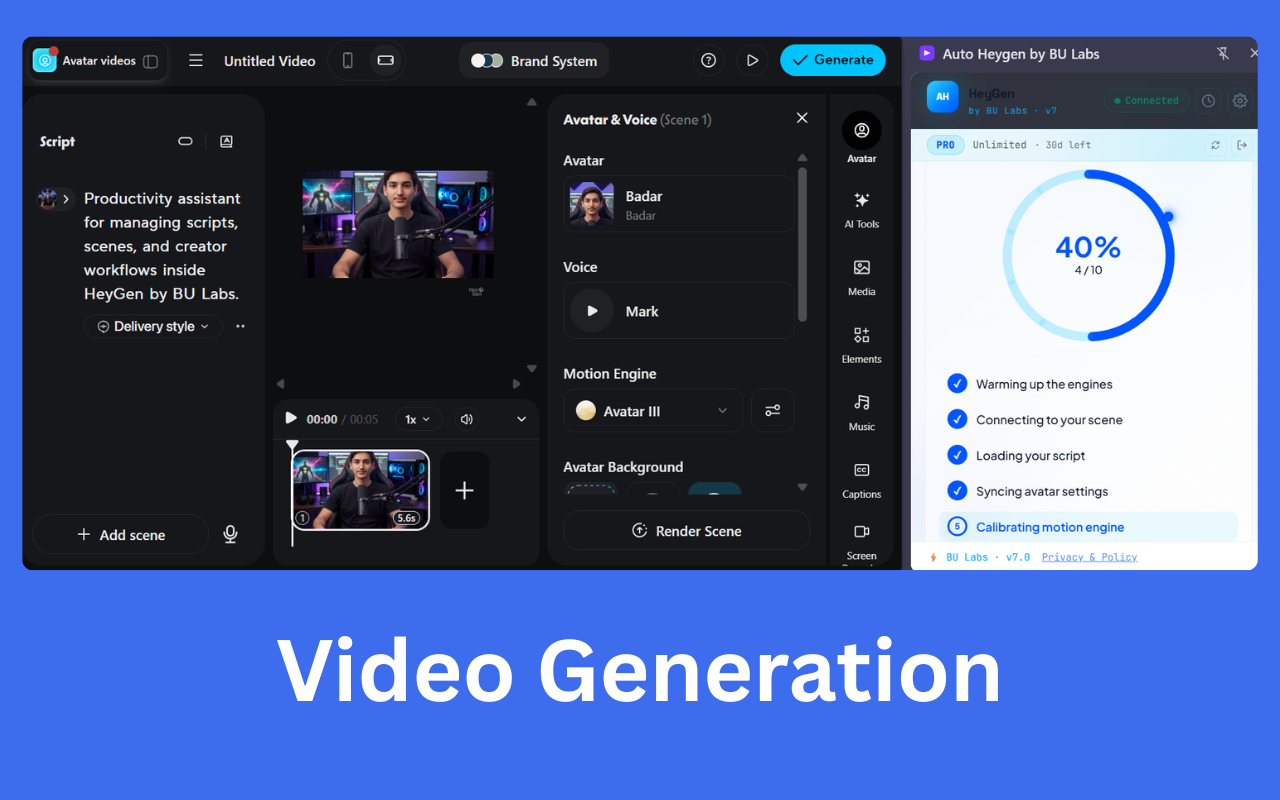
A live progress ring tracks every stage of your video generation — warming up engines, connecting to your scene, loading your script, and syncing avatar settings. No guessing, no waiting blindly.
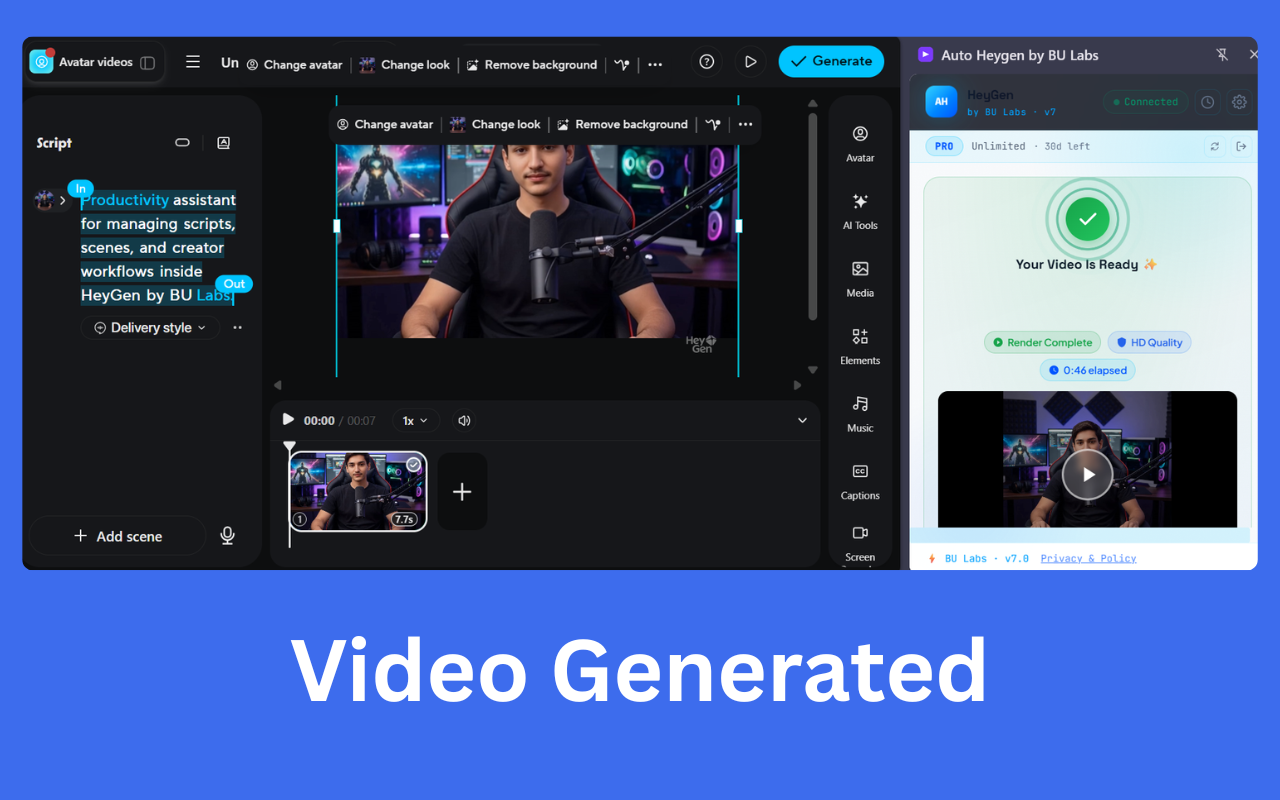
When video generation completes, you get an instant notification. Download your video directly with a single click — no navigation required.
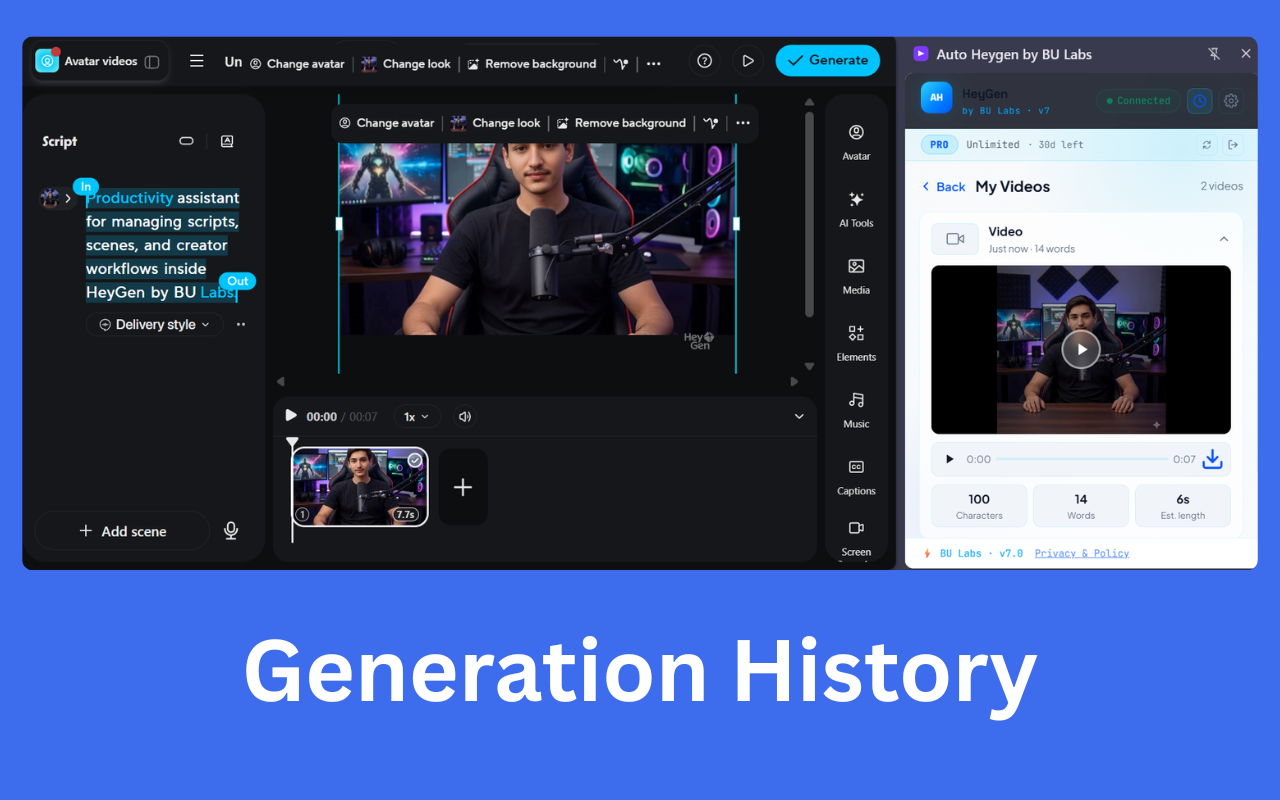
Every video you create is saved in your generation history. Browse past videos with thumbnails, character counts, word counts, and duration. Re-download any video at any time without leaving the side panel.
Built for creators, marketers, and agencies who need volume without limits.
Break free from Heygen's monthly credit cap. Generate as many AI videos as you need, whenever you need them — completely free.
Script injection, scene configuration, and video generation are fully automated. What used to take 10 clicks now takes 1.
Works with every Heygen avatar and voice option. Switch instantly from the side panel without leaving your workflow.
A live progress ring with step-by-step status keeps you informed at every stage. No more refreshing and wondering if it worked.
Every video is catalogued with thumbnails, word counts, and download links. Your entire creative library, always one click away.
We only access what's needed. No browsing history, no financial data, no personal tracking. Your data stays yours.
Everything you need to know before installing.
Join creators who never worry about video credits again. Install in 30 seconds — completely free.
Add to Chrome